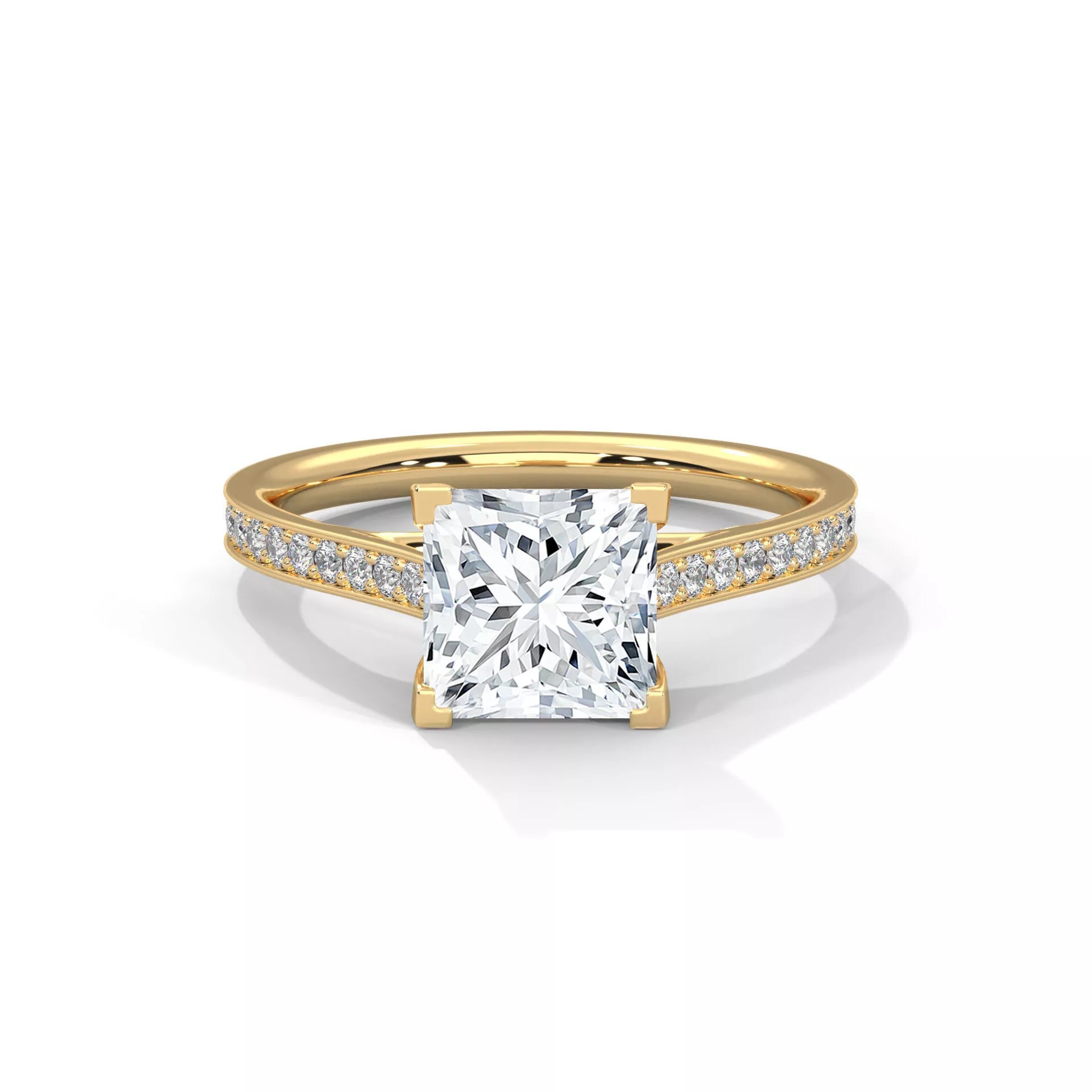
Outline & Topics Covered
- Understanding ring size vs. inner diameter
- Method 1: Scale 1D along the circumference
- Method 2: Rebuild the shank to the new diameter
- Adjusting stone spacing after resizing
- Common mistakes to avoid
Ring Resizing in CAD vs. at the Bench
Resizing a ring in Rhino jewelry design workflows before casting is far more efficient than bench resizing after the fact — especially for eternity bands and pave rings where realigning stones after cutting the shank is extremely labor-intensive. This guide covers the two main methods for adjusting ring sizes in Rhino CAD.
Ring Size to Inner Diameter Conversion
Before starting, convert your target ring size to an inner diameter:
- US Size 5 → 15.7mm inner diameter
- US Size 6 → 16.5mm
- US Size 7 → 17.3mm
- US Size 8 → 18.2mm
- EU Size 52 → 16.6mm
- EU Size 54 → 17.2mm
- EU Size 56 → 17.8mm
Method 1: Scale 1D (Circumferential Scaling)
This method stretches the ring geometry along one axis to change the inner circumference. In Rhino:
- Select the full ring geometry
- Run the Scale1D command
- Set the origin point at the center of the ring
- Scale the geometry to achieve the new inner diameter
Caution: Scale1D can distort pave stone spacing and prong positions on complex designs. Always verify stone seat dimensions after scaling.
Method 2: Rebuild the Shank to New Diameter
For precise resizing without distortion, rebuild the shank profile curve at the exact new inner diameter and re-sweep the shank surface:
- Extract the shank profile curve using DupEdge or ExtractIsocurve
- Delete the old shank surface
- Draw a new center circle with the target inner diameter
- Re-sweep the profile curve along the new circle using Rail Sweep
- Re-Boolean the head and shank to rejoin the model
This method preserves all geometry proportions and is the recommended approach for solitaire and halo designs.
Adjusting Stone Spacing After Resizing
After resizing an eternity or pave band, stone count may need adjustment. In MatrixGold, the Stones on Surface tool automatically recalculates spacing and count for the new circumference. In standard Rhino, use the ArrayCrv command to redistribute stones evenly along the new shank path.
Get Pre-Sized Ring CAD Files
Skip the resizing workflow — our ring CAD designs deliver designs in standard US size 7 (17.3mm inner diameter), optimized for casting, with clear notes on scale adjustments for other sizes. Download the 3DM source file and resize to any target size in minutes.