Outline & Topics Covered
- What makes an STL file print-ready?
- How to fix non-manifold geometry and open edges
- Optimizing support struts for delicate settings
- Exporting high-density polygon meshes
The Blueprint of a Perfect Jewelry 3D Print
An STL jewelry file is a collection of triangles that define a 3D surface. Unlike render meshes, jewelry 3D print engines require STL files that are completely closed, solid, and structurally flawless.
1. Non-Manifold Geometry & Open Edges
If your model contains holes or overlapping internal faces, the printing software will fail to slice it correctly. Always verify that your model is a "closed solid polysurface" before exporting. Software tools like Magics, Netfabb, or Rhino's ShowEdges command help locate and close open edges, ensuring a water-tight mesh.
2. Supporting Delicate Settings
Prongs and channel settings are highly vulnerable during printing. Place support struts on thick structural areas (like the inner band) and avoid placing supports directly on delicate stone seats. This saves finishing time and preserves the geometry of your stone mounts.
3. Exporting High-Density Polygon Meshes
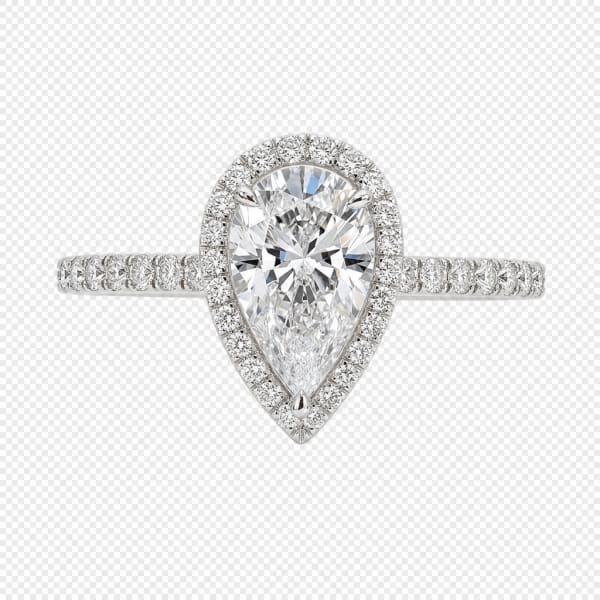
If your STL export resolution is too low, flat facets will be visible on curved ring shanks after casting. Export your STL files with high polygon density (small maximum distance tolerances, e.g., 0.005mm). Our ring CAD designs — including 3D printable jewelry models like the diamond solitaire ring CAD design — are pre-exported at maximum resolution to guarantee perfectly smooth, curved metal surfaces after casting.